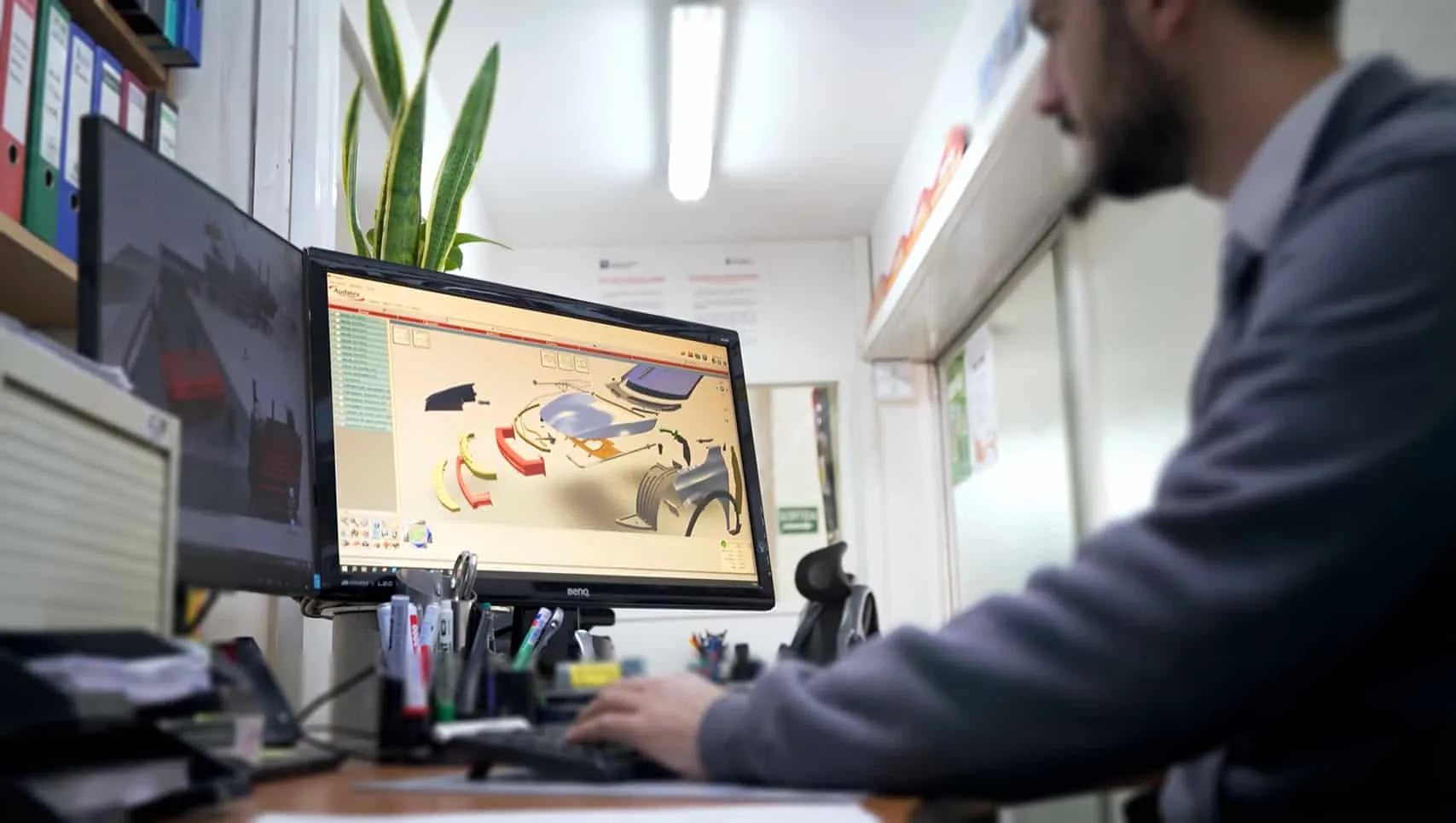
In a previous article, we analyzed how to reproduce the color Mazda 46G Machine Grey, a particularly demanding three-stage paint. Continuing with this line of special colors, we now focus on Tesla PN00 “Quicksilver,” a metallic paint that is highly recognizable for its shine and contrast.
This is a common color in the bodyshop that always raises the same question: how to match it while maintaining its original appearance?
In this guide, we explain how to reproduce PN00 with the Blucrom system in a clear, practical, and simple way.
Technical characteristics of Tesla’s PN00 “Quicksilver”
Tesla’s PN00 “Quicksilver” is a metallic gray that stands out for its striking contrast between a highly reflective area and a deep flop, creating a visually defined and stable topcoat. This optical effect, resulting from the fineness of the metallic finish and the overlapping coats, makes it more complex to reproduce than a solid or two coat color and requires very precise application.
In this context, the BM-700 base of the Blucrom system has been key to reproducing PN00 Quicksilver with greater fidelity. Its use allows the visual stability of the color to be maintained and the characteristic effect that defines this multi-layer topcoat to be respected.
To reproduce it with the Blucrom system, a multi-layer process is used, consisting of:
- A black base coat (BB-606)
This is the initial coat and serves as the primer for the color. It stabilizes the tone and ensures uniform hiding power of the subsequent coats.
- PN00 Color applied in cycles
This is the coat that provides the metallic tone of the color. It is obtained by diluting PN00 1:1 with BB-110 and applying between 3 and 4 cycles to achieve the desired density of the effect. This is where the texture, uniformity, and optical behavior of the metallic finish are controlled, so it is very important to follow the application cycles.
- The clear coat
This is the final coat of the system. It defines the desired level of gloss, enhances the final uniformity of the topcoat, and guarantees protection against external agents.
Application process for PN00 Quicksilver with Blucrom
Reproducing a three-stage color such as PN00 Quicksilver requires following a specific sequence of steps to ensure that the fineness of the metallic effect, the intensity of the effect, and the transition between coats are correctly reflected in the final result.
Below, we explain the application process clearly and in detail, following the actual order of work.
Step 1. Measurement and initial preparation
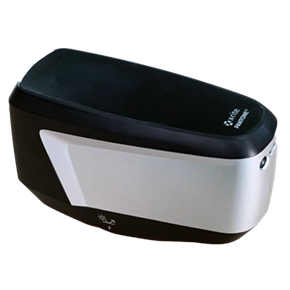
Before starting to paint, it is essential to obtain an accurate color reading using Roberlo’s xCrom Vision, which allows the most suitable variant to be identified.
Based on this measurement, three control plates are produced by applying different numbers of cycles. These are compared directly with the vehicle to determine how many PN00 color cycles will be necessary.
Once the color has been defined, the surface is carefully sanded with P800 to P1000 sandpaper until a uniform topcoat is obtained, and it is degreased before continuing with the process.
Step 2. Black base coat (BB-606)
The process begins with the application of the BB-606 black two-coat base coat to the primed area, spreading it slightly to facilitate integration.
This coat is essential for adding depth to the system. Once applied, allow 15 minutes flash-off time at 20°C (or until blended using Ventury).
Step 3. First coat of Color Blend
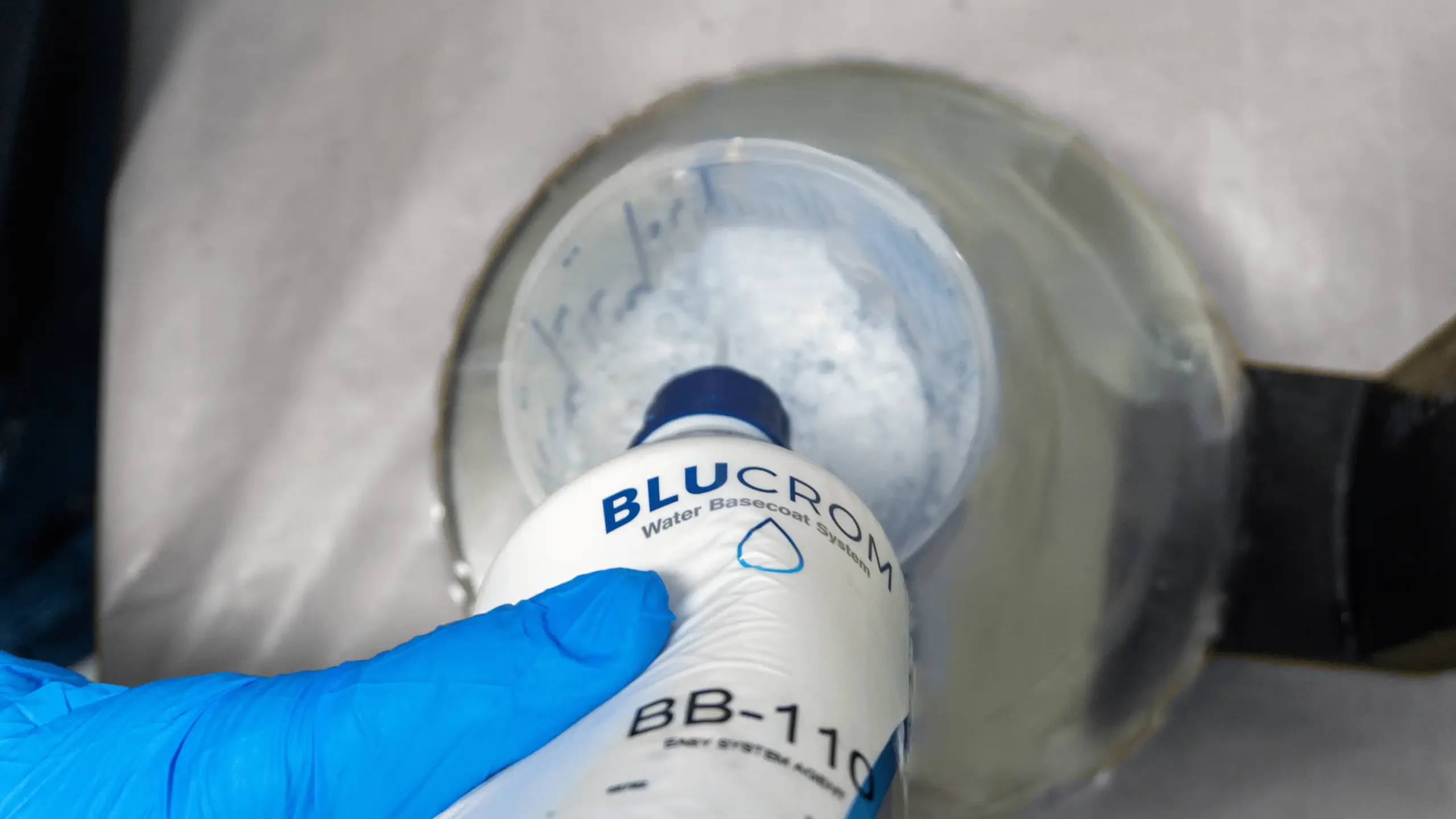
Color Blend is obtained from BB-105 and BB-110 in a weight ratio of 100:25 (100g BB-105 and 25g BB-110).
Before starting with the PN00 color cycles, apply an even coat of Color Blend over the entire repaired area. It is important not to extend it to the end of the blended area.
This product acts as a blender, facilitating color integration in partial repairs and softening the transition between painted and original areas.
Step 4. Application of PN00 color cycles
While the Color Blend is still wet, begin applying the PN00 color, previously diluted 1:1 with BB-110. In this phase, the characteristic metallic effect of Quicksilver is created.
Each cycle consists of two thin cross coats, applied evenly to achieve the most homogeneous topcoat possible, allowing a flash off time of 5 minutes at 20°C between cycles. In each cycle, the application area is slightly enlarged, promoting the visual integration of the repair with the rest of the part.
The number of cycles required is determined using the calibration plates, with 2 or 3 cycles usually being applied before the final step.
Step 5. Second application of Color Blend
Before the final color cycle, apply another thin coat of Color Blend as you did the first time, to better integrate the color transition.
Step 6. Application of the final cycle of PN00
While the Color Blend is still wet, apply the final cycle of PN00 color, using the same technique: light, thin, cross-handed strokes, extending the area compared to the previous cycle. Then, allow a final flash off of 15–20 minutes at 20°C.
Step 7. Clear coat: the final topcoat
After this final flash off, apply coats of clear coat, which provide protection, shine, and stability to the final color effect.
The clear coat also helps enhance the optical effect of PN00, so it is recommended to use a high-quality one.
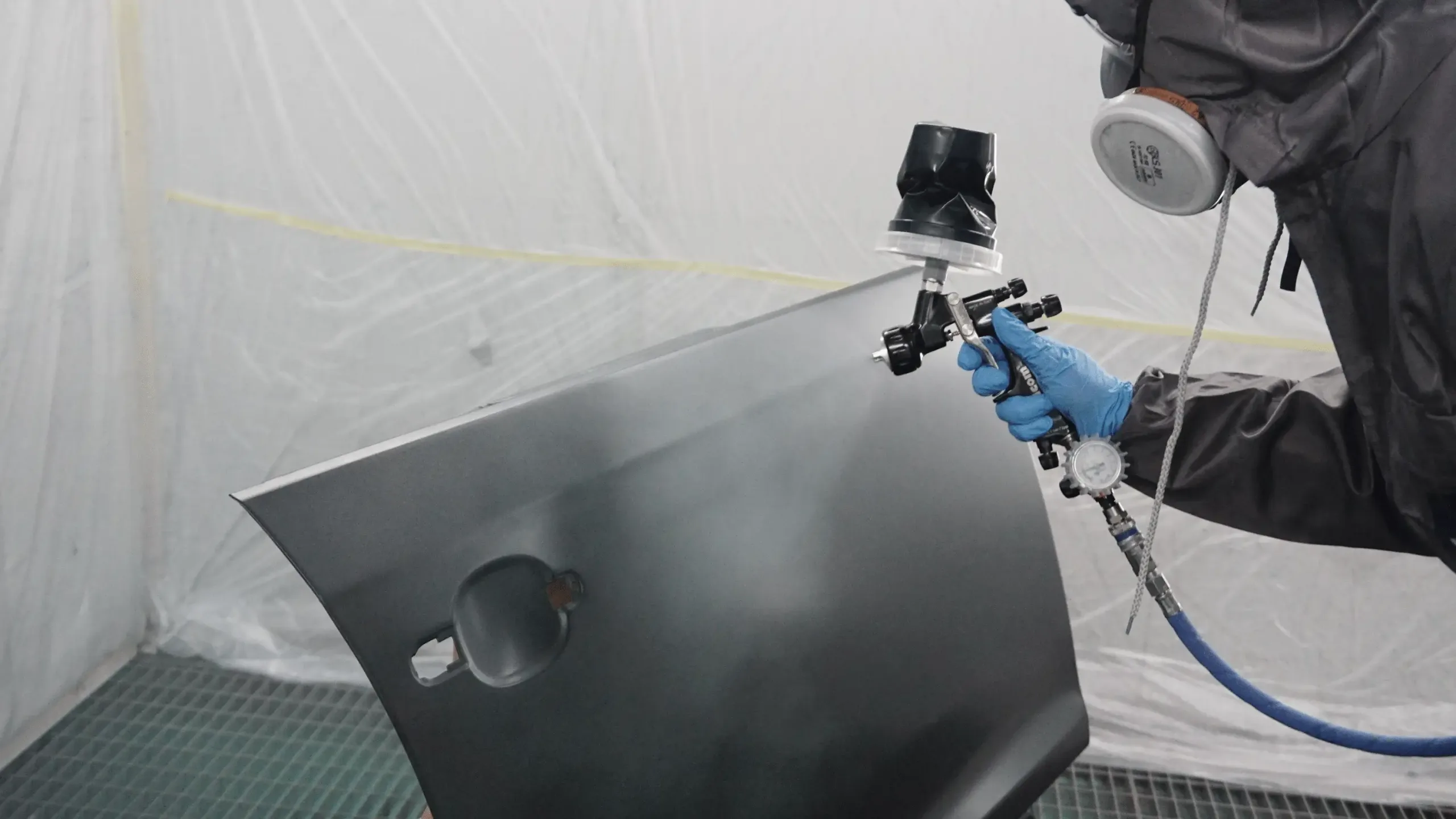
Processes and materials required to achieve a precise topcoat
Reproducing PN00 Quicksilver requires precise control of the entire process, from color measurement to the application of cycles and drying times. Using the right materials and maintaining a consistent technique is key to preserving the fineness of the metallic topcoat and the characteristic contrast of this color.